Garage door remote not working?
No response when you press the button - new batteries or not. Before replacing the remote, 3 simple checks can quickly solve the problem. If that's not enough, the receiver or BiSecur pairing is the cause.
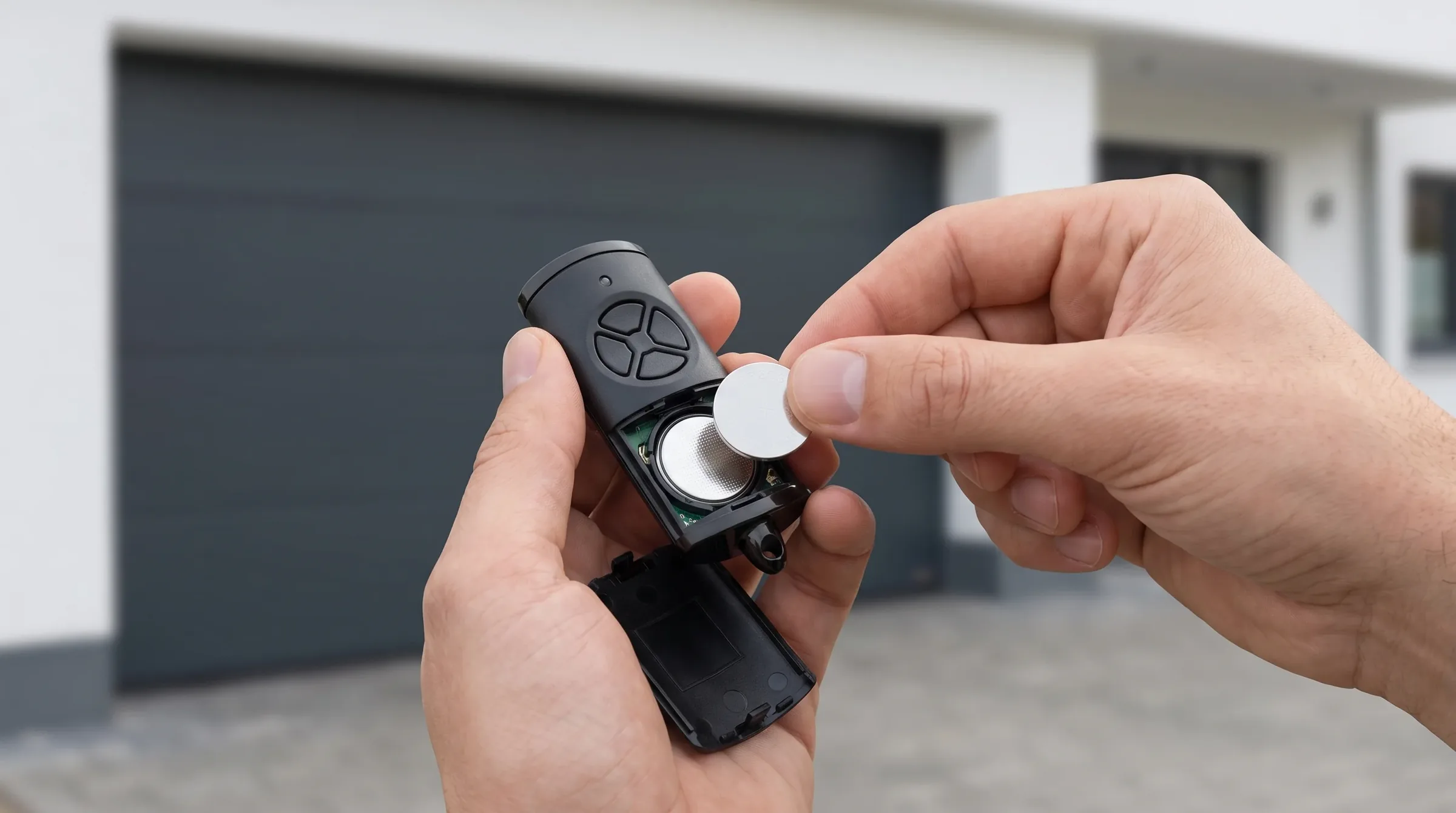
Free diagnosis by phone, on-site visit only if needed.
Why your remote no longer responds
4 causes by frequency. The first 2 can be resolved without a technician.
Dead or improperly inserted batteries
Cause no. 1. Battery life (CR2032 or AAA depending on the model) depends on usage. A weak battery sends a signal too weak to reach the receiver.
- Remote LED no longer lights up
- Works from very close (< 1 m) but not from a distance
- Works intermittently
- Batteries not changed for a long time
Remote unpaired
A power outage, motor reset, or battery change can unpair the remote from the BiSecur receiver. The remote sends the signal but the receiver no longer recognises it.
- LED lights up when pressed (batteries OK)
- Wall button works but the remote doesn't
- Problem appeared after a power outage
- Multiple remotes affected at the same time
Faulty BiSecur receiver
The receiver module in the motor has failed (power surge, humidity, ageing). No remote or keypad works, but the wired wall button does.
- No remote works (even new ones)
- Wired wall button works normally
- External keypad also not working
- Receiver LED does not flash on reception
Radio interference
A new transmitter in the neighbourhood (antenna, WiFi repeater, industrial equipment) is jamming the BiSecur 868 MHz frequency. Rare but real.
- Worked yesterday, not today - for no apparent reason
- Works at certain times but not others
- New neighbour or antenna recently installed
- All remotes affected simultaneously
3 tests you can do yourself
These 3 quick checks often solve the remote failure without an intervention.
Change the batteries
Even if you changed them recently, fit new branded batteries (Duracell, Energizer - not discount ones). A partly discharged battery can be too weak for BiSecur. CR2032 or AAA depending on the model (shown in the compartment).
Test the wall button
Press the wired wall button next to the motor. If it works, the problem is the remote or the radio receiver - not the motor. If it doesn't work either, it's the motor itself (see motor failure page).
Re-pair the remote
On the motor's receiver, press the P button (programming), then press the remote button within 5 seconds. LED lights up = pairing successful. Detailed procedure by model in the Hörmann manual or by phone with our technician.
If the tests aren't enough
If re-pairing fails or the receiver is the cause, a technician intervenes.
Phone diagnosis
The technician guides you through the tests above. If that solves it, no visit needed.
On-site visit if needed
Genuine Hörmann BiSecur receivers, HSE 2/4 BS remotes and CTR keypads, programmed on site.
Receiver diagnosis
Receiver module test, motor board check, radio interference scan.
Repair / replacement
Receiver or remote replacement, reprogramming of all transmitters in the household.
Remote repair costs
A remote failure is the cheapest to fix - especially when you act quickly.
Prices on a free quote. Phone diagnosis is always free.
Remote not working? Test the batteries first.
If that's not enough, a technician diagnoses for free by phone.
“Congratulations to the technicians for their high professionalism, but also for actually diagnosing the real fault and fixing it. Came and did good work at a fair price. Bravo.”
Frequently asked questions
Answers to our customers' most common questions.
Often confused with a motor problem
Remote not working? Free diagnosis.
Many remote failures can be solved by phone. Call before replacing.
Remote service areas